
TemplateVaults.
A storefront for website templates, with category filters, live demos, and downloads after checkout.
Digital product platform
Design & full-stack development
Next.js / React / SCSS / Stripe
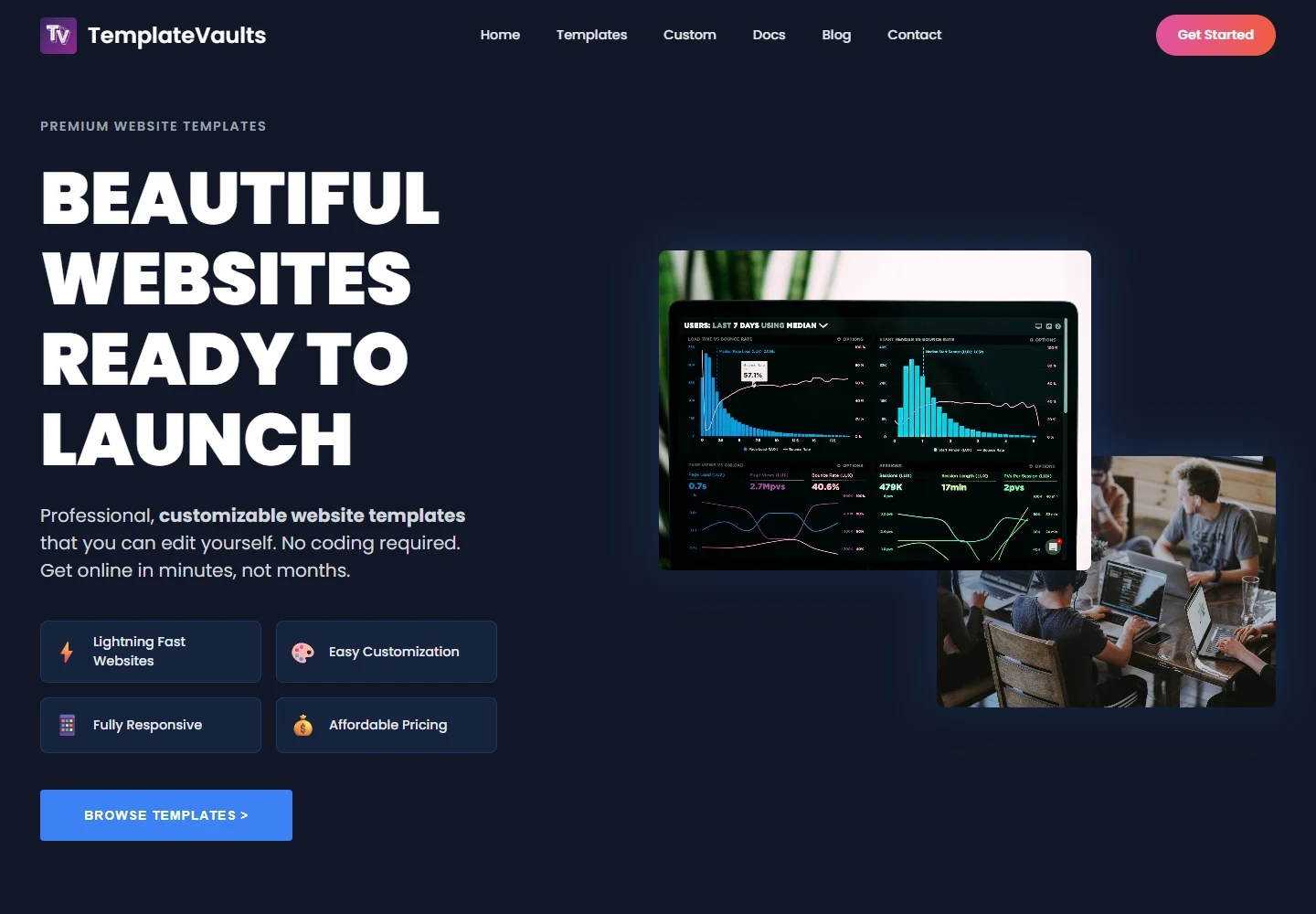
What I set out to build.
TemplateVaults brings ready-made templates and custom development services together. I built the storefront so visitors could browse designs, check what is included, and try a demo before choosing a template.
The goals
- Let visitors compare templates by category and included features.
- Give each template a visual preview and a live demo.
- Connect discovery, checkout, and delivery in one product journey.
Responsibilities
- Storefront and product-page design
- Catalog filtering and template previews
- Checkout and download integration
The challenge
A screenshot only tells part of the story. I needed to make the differences between templates easy to compare and explain what happens after someone buys one.
Who it’s for
Small-business owners, freelancers, and creators who want a starting point for a website or help with a custom build.
Visual direction
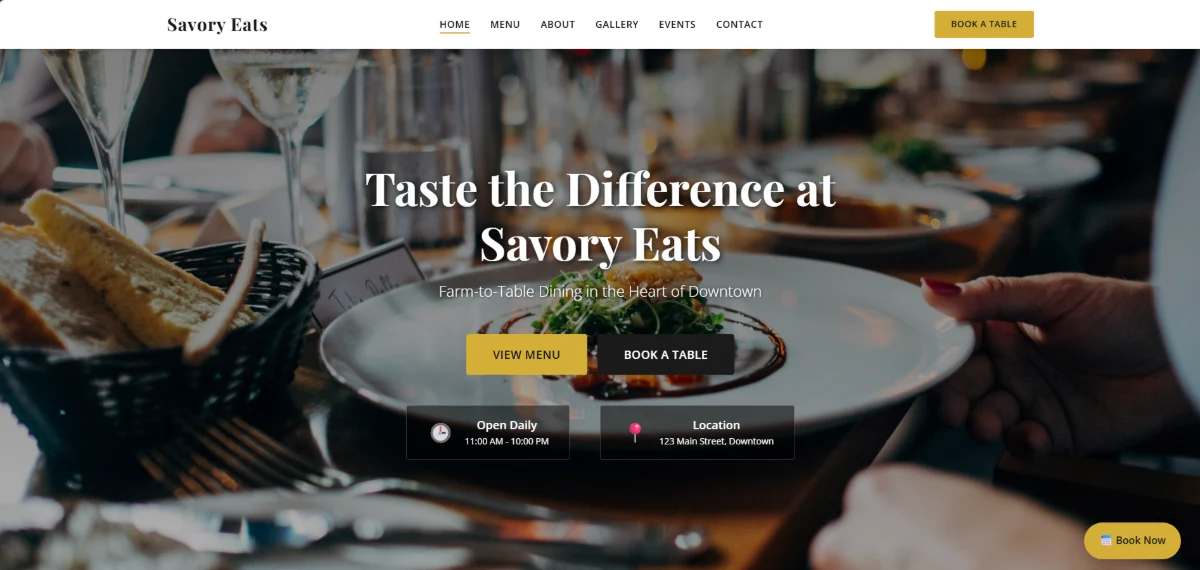
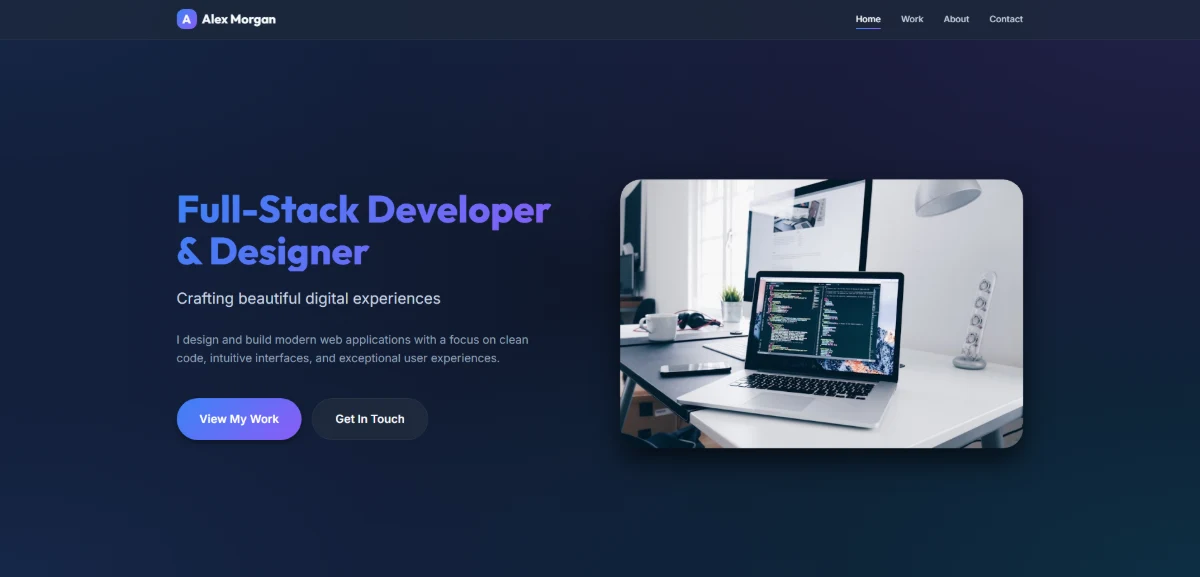
The storefront uses a dark background and bright accents, while the template previews bring in their own colors and styles. Features and categories sit close to each preview so they are easy to compare.
Using the site
Category controls filter the collection without leaving the page. Each template leads to more detail and a separate demo, while documentation and custom-project pages offer a next step for people who need more help.
Technical approach
Next.js and React organize the storefront and product routes, with SCSS for styling. Server routes integrate Stripe checkout and session checks, downloadable ZIP packages, license text, and email delivery.
Responsive behavior
The catalog and product layouts adapt from larger grids to a single column. Template images keep their proportions, and feature lists sit alongside the decision they help a visitor make.
Accessibility
Readable descriptions and text-based category controls keep the catalog understandable alongside the previews. A further keyboard and screen-reader review of the full checkout and download journey is part of the next iteration.
Performance
Filtering works on the local catalog rather than making a request for each category change. Preview image sizes and third-party requests are the main areas to watch as the collection grows.
What I had to work through
I worked through the whole purchase path, including the less visible parts: license information, documentation, payment checks, and the download. Those details affect whether someone can actually get started with the template.
Outcome
A live TemplateVaults storefront with restaurant and portfolio templates, product detail pages, published previews, and supporting customization documentation.
What I learned
The download is not the end of the experience. Clear setup instructions matter when someone opens the files and tries to make their first change.
What’s next
Add more templates, keep the catalog and product details in sync, and test what happens when a payment or download is interrupted.