
AERO/01.
An interactive website for a fictional running shoe, built around a model you can turn, inspect, and take apart.
Self-initiated · fictional product
Design & development
React / TypeScript / Three.js / Blender
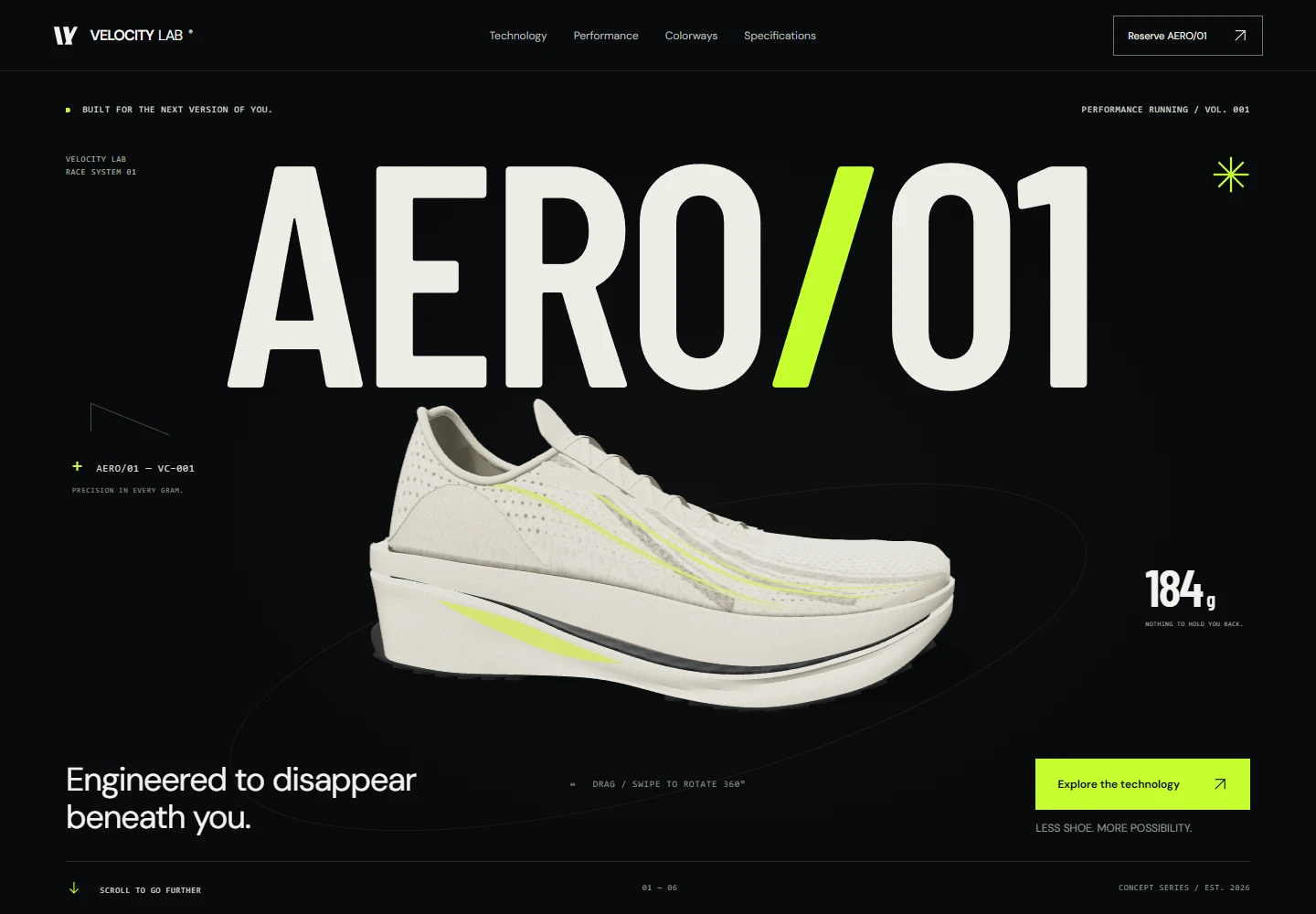
A running shoe you can explore.
AERO/01 started with two interests of mine: running and building for the web. I wanted to make a shoe launch page where you could look closely at the product, from the full model down to the six layers inside it.
The goals
- Put product exploration at the center of the story.
- Connect the full shoe to its six engineering layers.
- Preserve the story when motion or 3D is unavailable.
Responsibilities
- Creative direction & interface design
- Responsive front-end development
- 3D integration & material direction
- Motion, accessibility & rendering decisions
The challenge
The shoe needed to be interesting to explore without making the rest of the page difficult to use. That meant planning for phones, keyboards, and browsers that could not load the 3D scene.
Who it’s for
I had runners and people interested in product design in mind. This was a self-initiated concept, so I did not have customer research to work from.
Visual direction
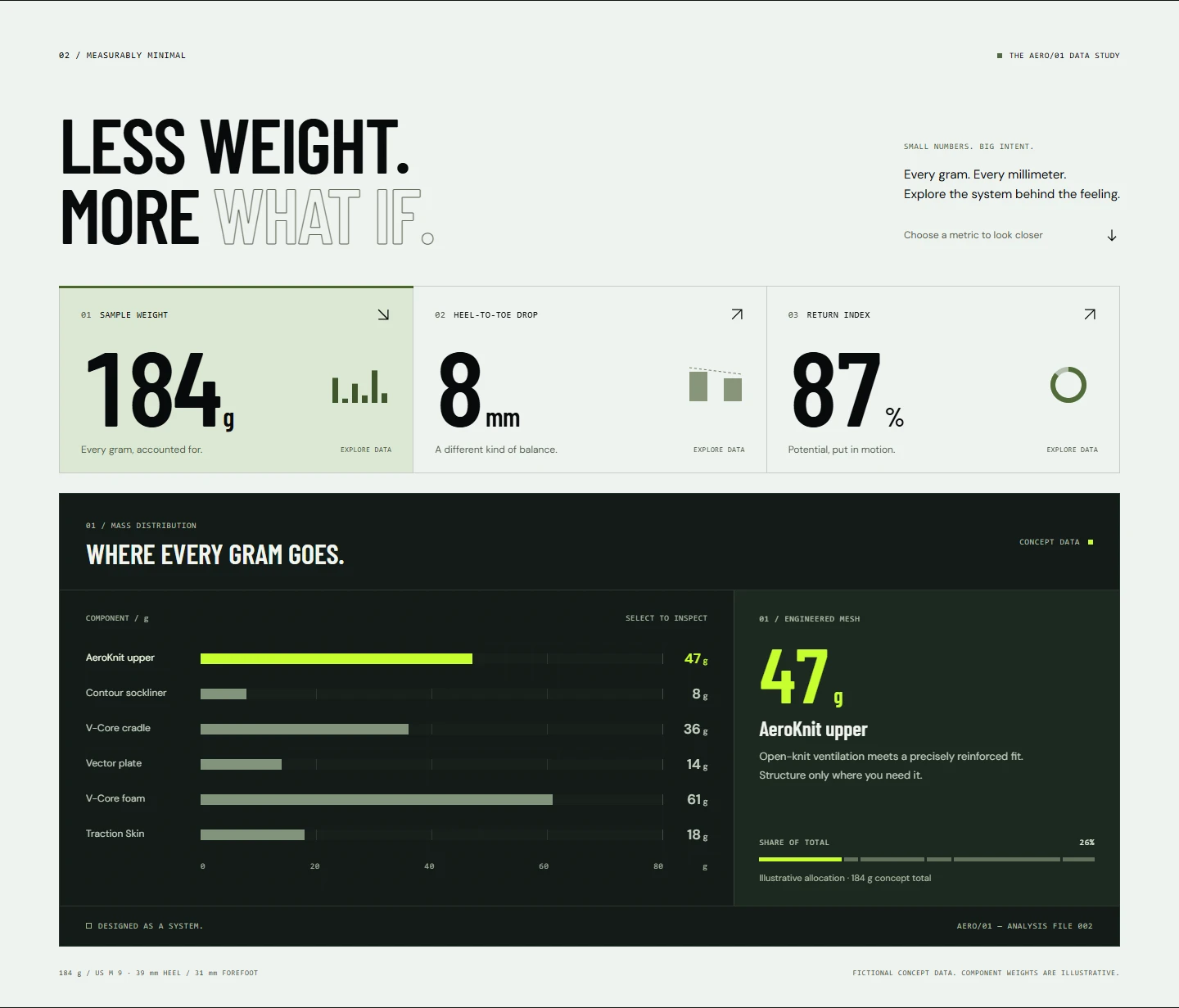
I used a dark background and bright green accents for the launch page, with warm studio images when the shoe needed a quieter setting. Large type introduces the product; the close-up views explain its construction.
Using the site
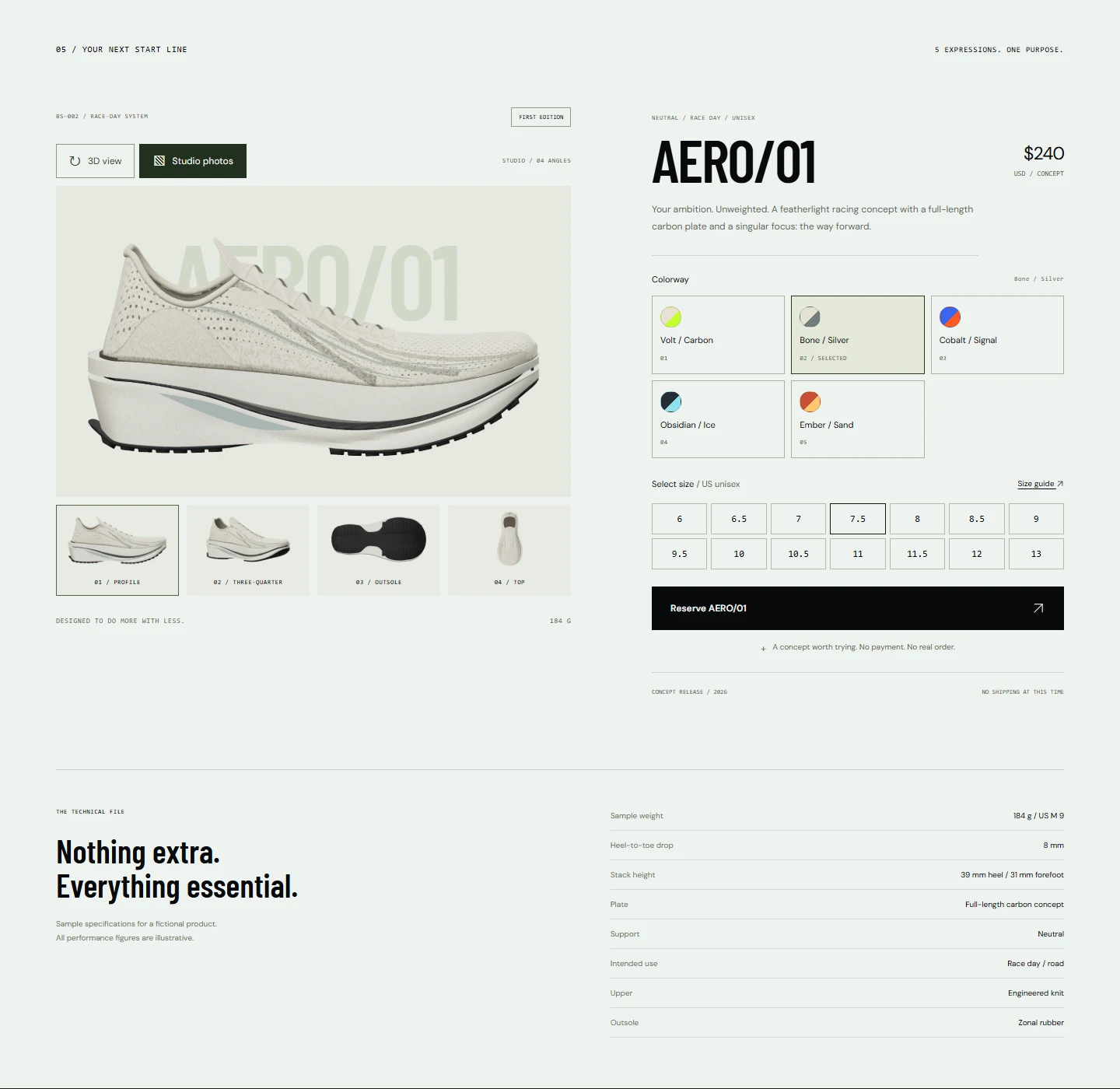
You can rotate the shoe, switch colorways, scroll through an exploded view, and see it on different surfaces. The reservation flow is a demo. Here in the portfolio, the model loads only when you choose to explore it.
Technical approach
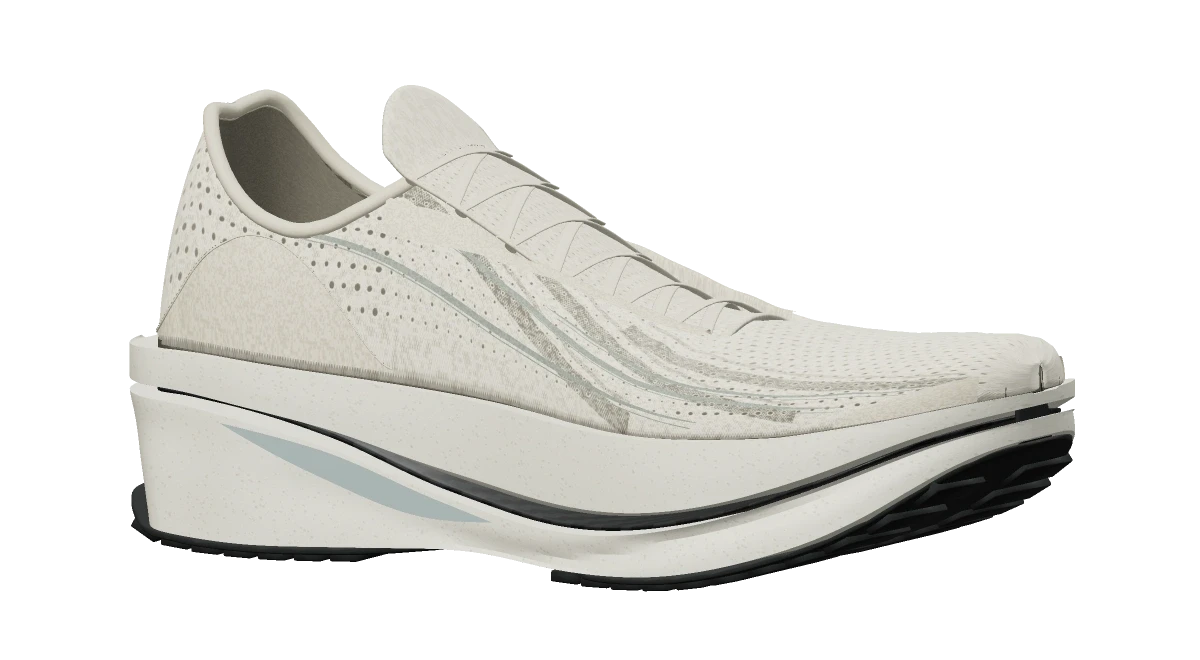
React and TypeScript handle the interface. The source uses React Three Fiber and a Draco-compressed Blender GLB. Six independent groups represent the upper, sockliner, foam cradle, carbon plate, foam carrier, and outsole. Local textures and renders also come from the same model.
Responsive behavior
The original project reframes the product by viewport, uses native vertical scrolling, and provides explicit alternate-view controls. This portfolio fits the same asset to its preview viewport and keeps a studio poster available.
Accessibility
The source provides reduced-motion and static presentations, keyboard product rotation, labeled controls, and dialog focus management. The portfolio’s viewer adds named rotate and reset buttons; all explanatory content remains in HTML.
Performance
The compressed model is about 5.4 MB. It downloads after you choose “Explore in 3D,” and the viewer releases its resources when it leaves the screen. I also cap rendering resolution to reduce the load on smaller devices.
What I had to work through
Keeping the shoe consistent across the interactive scene, exploded view, and still images took some care. I used the same Blender model for all of them so the shape and materials would match.
Outcome
The concept is live, with an interactive model and still-image alternatives. The shoe is fictional; the site does not take real orders or reservations.
What I learned
I learned to work on the model and the page together. A model can look great in Blender and still need different framing, lighting, or detail to work well in a browser.
What’s next
Move the demo to a dedicated domain, test it on more physical phones, and revisit the shoe model’s proportions and detail.